Most parents think the problem with YouTube is what their kid watches. The actual problem is what YouTube decides to show next. The YouTube algorithm kids feed operates on a watch-time optimization model that treats every viewer—including your 8-year-old—as an engagement metric to maximize. Understanding how the youtube algorithm works is the first step toward regaining control without resorting to total bans.
This article is part of our broader guide to Digital Parenting. This isn’t about bad content slipping through. It’s about how the recommendation system itself reshapes your child’s preferences over time, nudging them toward increasingly stimulating, lower-quality content because that’s what keeps them watching. The platform’s business model depends on it, and digital parenting strategies need to account for this fundamental misalignment between YouTube’s goals and your family’s values.
The Watch-Time Ratchet
Key Insight: YouTube’s recommendation algorithm doesn’t optimize for quality or appropriateness—it optimizes for the probability that your child will watch the next video all the way through.
This creates a ratchet effect: each video the algorithm selects is slightly more stimulating, slightly faster-paced, slightly louder than the last. The system learns which patterns keep kids watching longest and serves more of those patterns. Over days and weeks, the youtube algorithm kids feed drifts toward content that holds attention through intensity rather than substance, even when that content is technically age-appropriate.
- Videos with fast cuts and high contrast thumbnails get prioritized because they reduce bounce rate
- Content that triggers “just one more” behavior gets weighted more heavily in recommendations
- The algorithm interprets watch time as preference, even when kids are just passively consuming
- Related-video chains can lead from educational content to low-value entertainment in 3-4 clicks
The youtube recommendations for kids your child sees today are shaped by every video they’ve watched in the past 90 days, creating an increasingly narrow and intense content loop the platform assumes they want.
How the YouTube Algorithm Kids Feed Actually Works
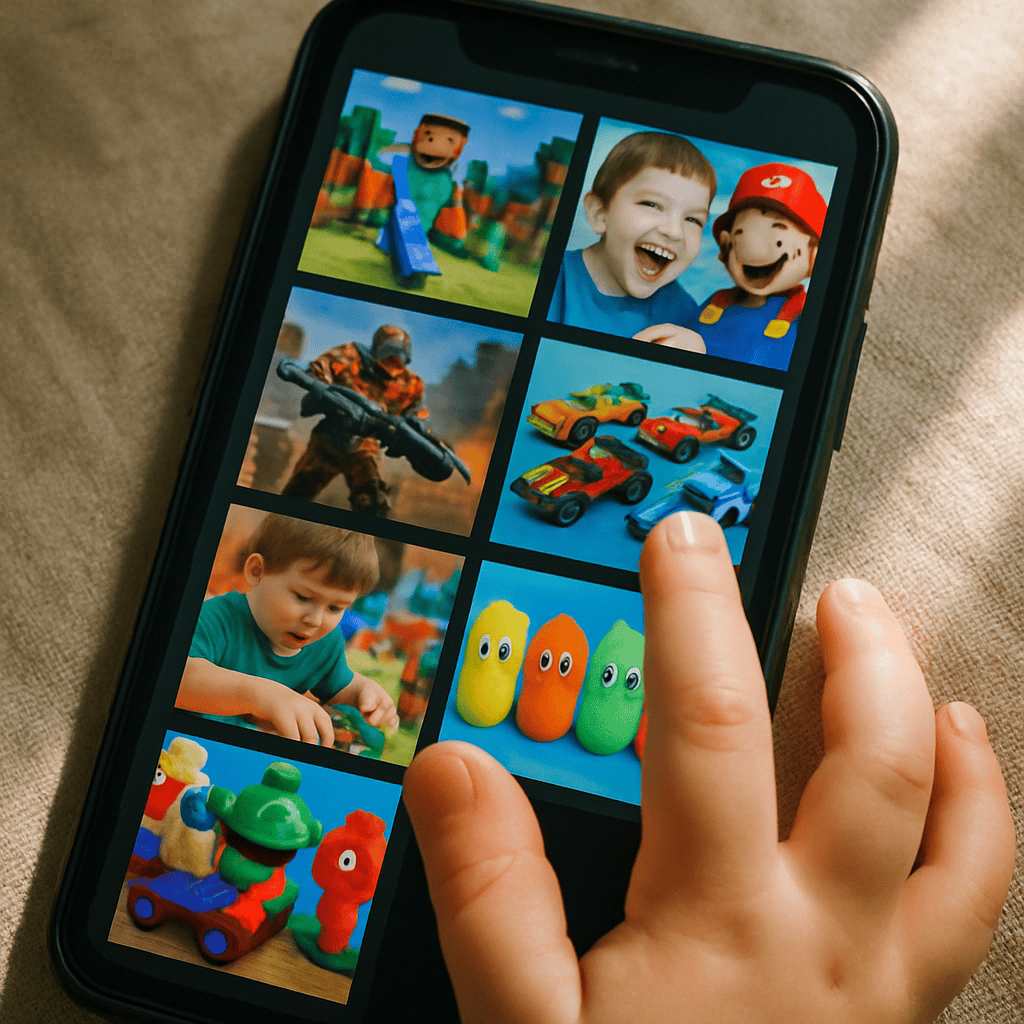
The YouTube recommendation engine uses a multi-layer neural network trained on billions of watch sessions. For kids, this means the algorithm doesn’t ask “Is this good for a 7-year-old?” It asks “Did other 7-year-olds with similar watch histories finish this video and click another one afterward?” According to Common Sense Media’s analysis of YouTube’s recommendation system, the platform’s AI treats children as engagement data points, not developing minds with different needs than adults.
The system tracks dozens of signals: watch time, session length, likes, shares, whether the viewer watched in full-screen, whether they turned on captions, how quickly they clicked away. It learns that your daughter loves slime videos, but also that she watches unboxing videos 20% longer on average. So the youtube kids algorithm begins mixing in more unboxing content, even if she never searched for it. The same algorithmic logic that drives TikTok applies here: the platform learns faster than you can monitor.
YouTube autoplay is the delivery mechanism. Once enabled, the algorithm queues the next video before your child finishes the current one. A 10-minute session on dinosaur facts can become a 90-minute spiral into toy reviews and gameplay footage without a single deliberate choice from your child. The autoplay setting alone can triple average session length for kids under 10, turning intentional viewing into passive consumption.
The Content Drift Problem YouTube Won’t Talk About

YouTube’s public messaging emphasizes its content policies and moderation systems. But the drift problem isn’t about prohibited content—it’s about the gradient between what you’d choose for your child and what the algorithm chooses for them. The youtube algorithm kids feed doesn’t violate community guidelines; it just slowly degrades the quality and educational value of what your child consumes, one recommendation at a time.
Here’s what content drift looks like in practice: Your son starts with a Minecraft tutorial. The algorithm notices he watched it to the end and recommends a more entertaining Minecraft video—louder, faster-paced, more reaction-focused. He watches that one, too. Over the next week, his youtube recommendations for kids shift toward prank videos, challenge videos, and eventually content that’s technically fine but nothing you’d ever intentionally select. ConnectSafely’s guide to digital wellness calls this “algorithmic taste formation”—the platform is training your child’s preferences based on engagement metrics, not developmental appropriateness.
The problem compounds when multiple kids share a device. The algorithm blends their watch histories, creating a confused recommendation profile that often defaults to the lowest common denominator—content that’s stimulating enough for the youngest viewer and attention-grabbing enough for the oldest. If you’ve noticed your family YouTube feed becoming less coherent and more chaotic over time, this cross-contamination is why. Managing youtube watch history control becomes essential when devices are shared across age groups.
What YouTube Kids Doesn’t Actually Solve

Many parents assume YouTube Kids fixes the algorithm problem. It doesn’t. YouTube Kids applies a content filter—it removes videos flagged as inappropriate for children—but it still uses the same watch-time optimization model underneath. The youtube kids algorithm still prioritizes videos that keep your child watching longest, which means it still drifts toward lower-quality, more stimulating content within the Kids-approved library.
YouTube Kids also offers a curated “Approved Content Only” mode, where you manually select every channel your child can watch. This solves the content drift problem but creates a new one: maintenance burden. You’re now responsible for building and updating a content library, which works for some families but quickly becomes unsustainable if you have multiple kids with different interests. The average parent abandons Approved Content mode within three weeks because the friction is too high.
The platform also offers age-based content tiers (Preschool, Younger, Older), but these are blunt instruments. A curious 6-year-old and a cautious 6-year-old have radically different readiness levels, and the age brackets don’t account for that. The youtube algorithm kids feed treats all “Younger” viewers as interchangeable, which means your child’s recommendations are shaped as much by other kids’ viewing habits as by their own.
Practical Interventions That Work Better Than Bans
The most effective intervention isn’t disabling YouTube—it’s breaking the algorithm’s feedback loop. Start by turning off autoplay on every device your child uses. This single change forces a deliberate choice between videos instead of letting the recommendation engine chain them together. Session length typically drops by 40-60% with autoplay disabled, and content drift slows significantly because your child is back in the driver’s seat.
Next, regularly clear your child’s watch history or use YouTube’s “Don’t recommend channel” feature aggressively. Every time you see a video or channel that represents drift, tell the algorithm explicitly not to recommend it. The system responds to these signals faster than you’d expect—most families see recommendation quality improve within 3-5 days of active pruning. This approach to youtube watch history control gives you influence over the algorithm’s training data without requiring constant monitoring.
Co-viewing is the gold standard, but it’s not realistic for every session. A middle-ground approach: watch the first video of a session with your child, then check back in 15 minutes to see what the algorithm served next. If the recommendations have drifted, pause and course-correct together. This teaches your child to notice content drift themselves, which is the long-term goal. The same monitoring principles that apply to TikTok work here—you’re teaching pattern recognition, not just enforcing rules.
Consider creating separate Google accounts for each child rather than using a shared family account. This prevents watch history contamination and lets you tailor settings per child. Yes, it’s more setup work upfront, but it gives you much finer control over how the youtube recommendations for kids are shaped for each of them. For families with kids under 8, pairing individual accounts with Approved Content mode creates a sustainable middle path between total freedom and total lockdown.
Frequently Asked Questions

Ethan Cole is a contributing writer for The Daily Well covering parenting technology, screen-time culture, family systems, and modern household organization. His background includes graduate work in business and finance, along with experience in operations, consulting, and technology systems architecture.
His work focuses on reducing real-world friction for busy families navigating modern life, with a particular interest in digital overwhelm, technology habits, productivity systems, and the intersection between modern parenting and everyday technology.