The question isn’t whether Minecraft is safe—it’s which version of Minecraft, in which mode, and with which guardrails. A six-year-old building a castle in Creative mode on a family tablet faces a different risk profile than a twelve-year-old playing on public servers with open chat. Most parents asking “is Minecraft safe for kids?” have stumbled into the confusion between these experiences and found generic reassurances that don’t match what their child is actually doing on-screen.
Part of our broader work in digital parenting, this guide explains how Minecraft for kids works in practice—where the real friction points live, which server types introduce contact risk, and which parental controls actually protect versus which ones just look reassuring in a settings menu.
The Three-Layer Safety Model
Key Insight: Minecraft safety operates in three independent layers—game mode (Creative/Survival), network topology (offline/LAN/Realms/public servers), and account controls (Microsoft Family, chat settings, multiplayer toggles)—and most safety failures happen when parents secure one layer while leaving another wide open.
A child in single-player Creative with multiplayer disabled is in a walled garden. The same child on a public Survival server with chat enabled is in an unmoderated social space with strangers. The game is the same; the exposure is not. Most parental controls address only the account layer, leaving network and mode choices unmanaged.
- Single-player or LAN-only modes eliminate contact risk entirely but may feel isolating for social kids
- Realms (Minecraft’s managed servers) allow curated friend groups but still permit chat and user-generated content
- Public servers introduce moderation variance—some are tightly managed, others are Lord of the Flies
- Microsoft Family Safety settings can disable multiplayer and chat globally, but many parents never link the child account
If you’re asking is Minecraft safe for kids, start by identifying which layer you’re actually worried about—then configure controls at that layer, not just the account level.
What Minecraft Actually Offers Kids (and Where Risk Hides)
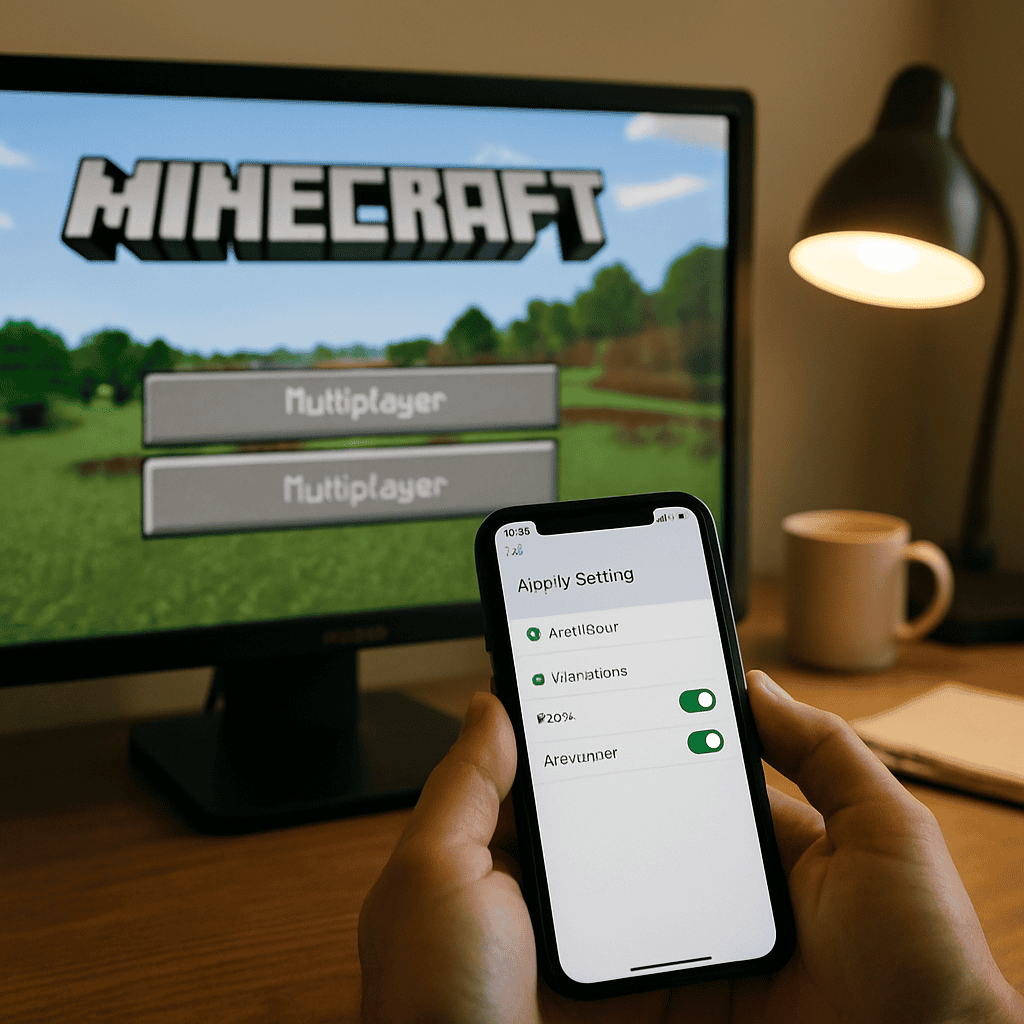
Minecraft is a sandbox construction game with no prescribed objective. Kids mine resources, build structures, explore procedurally generated worlds, and experiment with redstone circuits that mimic real logic gates. The cognitive load is real: spatial reasoning, resource planning, iterative design. For younger kids, Minecraft for kids serves as a digital Lego set; for older players, it’s a platform for scripting, server hosting, and collaborative builds.
The safety picture splits by mode. Creative mode gives unlimited resources and removes survival mechanics—no hunger, no hostile mobs, flight enabled. It’s pure construction and poses almost zero content risk when played offline. Survival mode introduces resource scarcity, health management, and combat with blocky monsters (zombies, skeletons, spiders). The violence is cartoonish and abstracted, but younger or sensitive kids may find nighttime mob spawns stressful.
The real inflection point is multiplayer. Single-player Minecraft is functionally a closed system. Multiplayer—whether on a friend’s LAN world, a paid Realm, or a public server—introduces other humans, and with them: chat (text and sometimes voice), user-generated content (skins, builds, signs with text), potential for griefing (destroying another player’s work), and exposure to moderation quality that ranges from excellent to nonexistent.
According to ConnectSafely’s broader guide to gaming platforms, most parent anxiety around games like Minecraft stems not from the game itself but from the unmoderated social layer that multiplayer introduces. If your child plays only offline or in a private Realm with school friends, is Minecraft safe for kids? Largely yes. On a public server with open chat and no active moderators, the answer becomes “it depends on the server.”
Minecraft Parental Controls: What You Can Lock Down
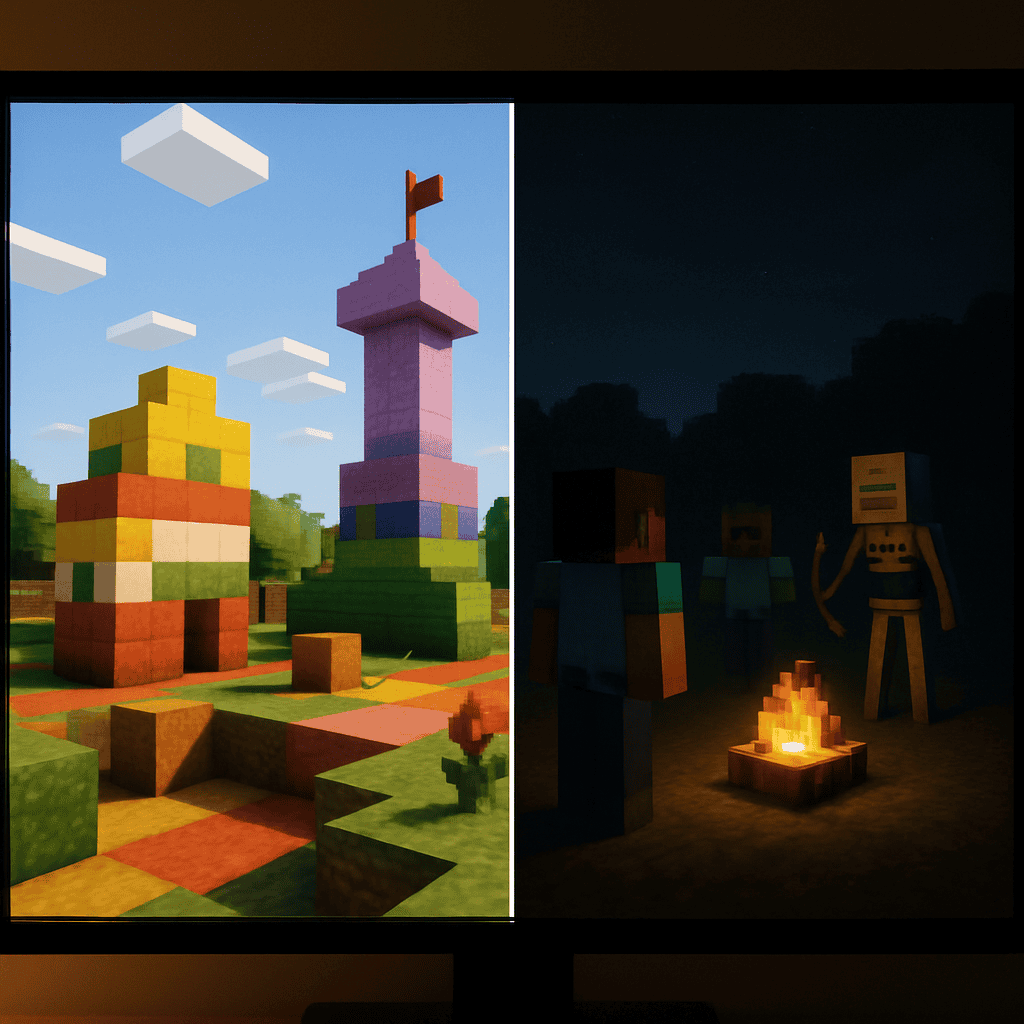
Minecraft parental controls live in two places: the Microsoft account (which controls multiplayer, chat, and Xbox Live interactions) and in-game settings (which control difficulty, mode, and server access). If your child plays on a device you manage, you also have OS-level screen time and app restrictions as a third layer.
Microsoft Family Safety is the upstream control. Link your child’s Microsoft account to your own via the Family Safety dashboard, and you can toggle:
- Multiplayer permissions: Allow or block joining others’ worlds and servers
- Communication settings: Disable in-game chat entirely, limit to friends only, or allow open chat
- Content filters: Restrict which user-generated content (skins, worlds) the child can download
- Screen time limits: Set daily or weekly play caps and schedule downtime
For younger kids (under 8), the safest default is multiplayer off, chat off. This keeps Minecraft a pure single-player creative tool. For kids 8–12 who want social play, Realms with a curated friend list and friends-only chat strikes a middle ground—known contacts, manageable group size, easier for you to know who’s in the world. Open public servers should be case-by-case, with you spot-checking the server’s moderation policy and community reputation before allowing access.
In-game, Minecraft itself offers a “Multiplayer” toggle on the main menu (Java Edition) or within world settings (Bedrock Edition). Disabling this at the game level adds a second lock even if account settings allow it. For Bedrock (the version on consoles, mobile, and Windows 10/11), you can also restrict “Join Multiplayer Games” in the profile settings under Privacy.
Many parents ask about chat filters. Minecraft includes a profanity filter that masks common swear words with hashtags, but it’s bypassable (creative spelling, slang, context-dependent language) and doesn’t catch harassment or personal information sharing. The filter is on by default in newer versions but should be considered a last-resort net, not a primary safeguard. Real safety in Minecraft for kids comes from limiting who your child plays with, not from hoping a dictionary filter catches everything.
Which Servers and Modes Introduce Real Risk

Not all Minecraft servers are created equal. Realms—Minecraft’s official hosted worlds, limited to 10 concurrent players—are the safest multiplayer option because you control the invite list. Realms don’t have open chat with strangers; everyone in the world is someone you or your child added. Griefing is still possible (friends can destroy builds), but contact risk with unknown adults is eliminated.
Featured servers (on Bedrock Edition) like Lifeboat, Mineplex, and CubeCraft are large, professionally run public servers with active moderation teams, anti-cheat systems, and content policies. These are generally safer than random community servers, but they’re still public—your child will encounter strangers, and chat is often enabled by default. If you allow featured servers, enable friends-only chat at the account level so your child can’t receive or send messages to strangers.
Community servers (Java Edition, accessed by manually entering IP addresses) are the wild west. Moderation quality is entirely dependent on the server owner. Some are well-run, family-friendly spaces with active admins and clear rules. Others have no moderation, toxic chat cultures, and exposure to adult language and themes. The ESRB’s parental controls guide emphasizes that user-generated multiplayer environments fall outside the game’s age rating—Minecraft is rated E10+, but a poorly moderated server can expose kids to content far beyond that.
If your child wants to join a specific community server, ask: Who runs it? What are the moderation rules? Is there an active admin team? Can you join as a parent account to observe? If the server is recommended by a school or established gaming community with a reputation you can verify, that’s a different risk profile than “some IP address my kid found on YouTube.”
One often-overlooked risk: downloadable content and mods. Minecraft’s official Marketplace (Bedrock) is curated, but third-party mod sites (Java) are not. Mods can introduce malware, especially on sketchy download sites. If your child plays Java Edition and wants mods, teach them to use only established repositories like CurseForge or Modrinth, and consider running mod downloads through your own malware scanner before installation. This is part of the broader question of is Minecraft safe for kids—the game itself is, but the ecosystem around it requires the same diligence you’d apply to any software download.
Age-Appropriate Entry Points and What to Watch For
Minecraft’s official age rating is E10+ (Everyone 10 and up) from the ESRB, largely due to fantasy violence in Survival mode. In practice, many younger kids play Minecraft successfully, especially in Creative mode where hostile mobs and combat are absent. The question is less about age and more about temperament and mode selection.
Ages 5–7: Creative mode, offline or parent-supervised. At this age, Minecraft for kids functions as a digital building toy. Combat and resource management are too complex; Creative’s unlimited blocks and flight let them focus purely on construction. Expect you’ll need to help with controls, especially on touchscreens where the interface can be fiddly.
Ages 8–10: Survival mode becomes accessible, and many kids in this range want the challenge of gathering resources and defending against mobs. Multiplayer appetite grows—this is when kids ask to join friends’ worlds. Realms with a small friend group and friends-only chat is the safest entry point for social play. Monitor initial sessions to ensure your child knows how to recognize and report uncomfortable interactions.
Ages 11–13: Full Survival, Realms, and case-by-case featured servers. Older kids often want to join larger communities, participate in minigames, or explore survival servers with economies and PvP (player versus player). At this stage, is Minecraft safe for kids depends heavily on the specific server culture and your child’s digital literacy—can they recognize manipulation, refuse to share personal info, and exit a hostile situation?
Red flags to watch for: your child suddenly reluctant to let you see the screen during Minecraft sessions, mentions of “secret” Discord servers connected to Minecraft communities (Discord is where much grooming and exploitation risk actually occurs, not in-game), requests for in-game purchases or gift codes from “friends,” or behavioral changes after play sessions. According to ConnectSafely’s guidance on gaming safety, most contact-risk incidents follow a pattern: initial contact in-game, migration to a private chat platform (Discord, Snapchat), then requests for personal information or images.
If your child plays on shared or public servers, periodic spot checks are reasonable. Ask who they’re playing with, what server they’re on, and whether anyone has asked them to move the conversation off Minecraft. The goal isn’t surveillance; it’s maintaining an open channel so your child knows they can come to you if something feels wrong.
Frequently Asked Questions

Ethan Cole is a contributing writer for The Daily Well covering parenting technology, screen-time culture, family systems, and modern household organization. His background includes graduate work in business and finance, along with experience in operations, consulting, and technology systems architecture.
His work focuses on reducing real-world friction for busy families navigating modern life, with a particular interest in digital overwhelm, technology habits, productivity systems, and the intersection between modern parenting and everyday technology.